
Buffalo County Court Records Search
Buffalo County court records are managed by the county clerk of circuit court, which keeps the local court file for civil, criminal, family, probate, juvenile, small claims, and traffic matters. The statewide WCCA portal is the fastest first stop for a public search, but the county office is where you go when the case needs a copy, a certified judgment, or a direct answer from the office that holds the record. That simple split keeps the search process clean. Start online, then move to the courthouse when the file itself matters.
Buffalo County Court Records Snapshot
Buffalo County Court Records at the Clerk
The Buffalo County Clerk of Circuit Court maintains all court records for the county circuit court system and handles case management for civil, criminal, family, probate, juvenile, small claims, and traffic matters. That means the clerk office is not just where cases are filed. It is also the office that keeps the official file, manages record flow, and helps the public get the right document when a search turns into a copy request.
The office is at the Buffalo County Courthouse, 407 S. 2nd Street, Alma, WI 54610. The phone number is (608) 685-6212, and the office hours are Monday through Friday from 8:00 AM to 4:30 PM. The county clerk page at Buffalo County Clerk of Circuit Court is the official local source, while the county portal at buffalocounty.com gives the broader county context.
That local setup keeps Buffalo County Court Records easy to navigate. The county page points to the right office. The clerk keeps the paper file. The statewide portal gives you the first search. If you know the case number, use it. If you do not, the office can still work from a name and help you narrow the record set without sending you on a long detour.
Buffalo County also fits the statewide Wisconsin court model. The clerk office handles the local file, while WCCA and the court system supply public access and forms. That means the record trail is local, but the access route is statewide. For most users, that is the fastest way to get the right file.
The county portal image at buffalocounty.com shows the official county site that connects back to the clerk's office.
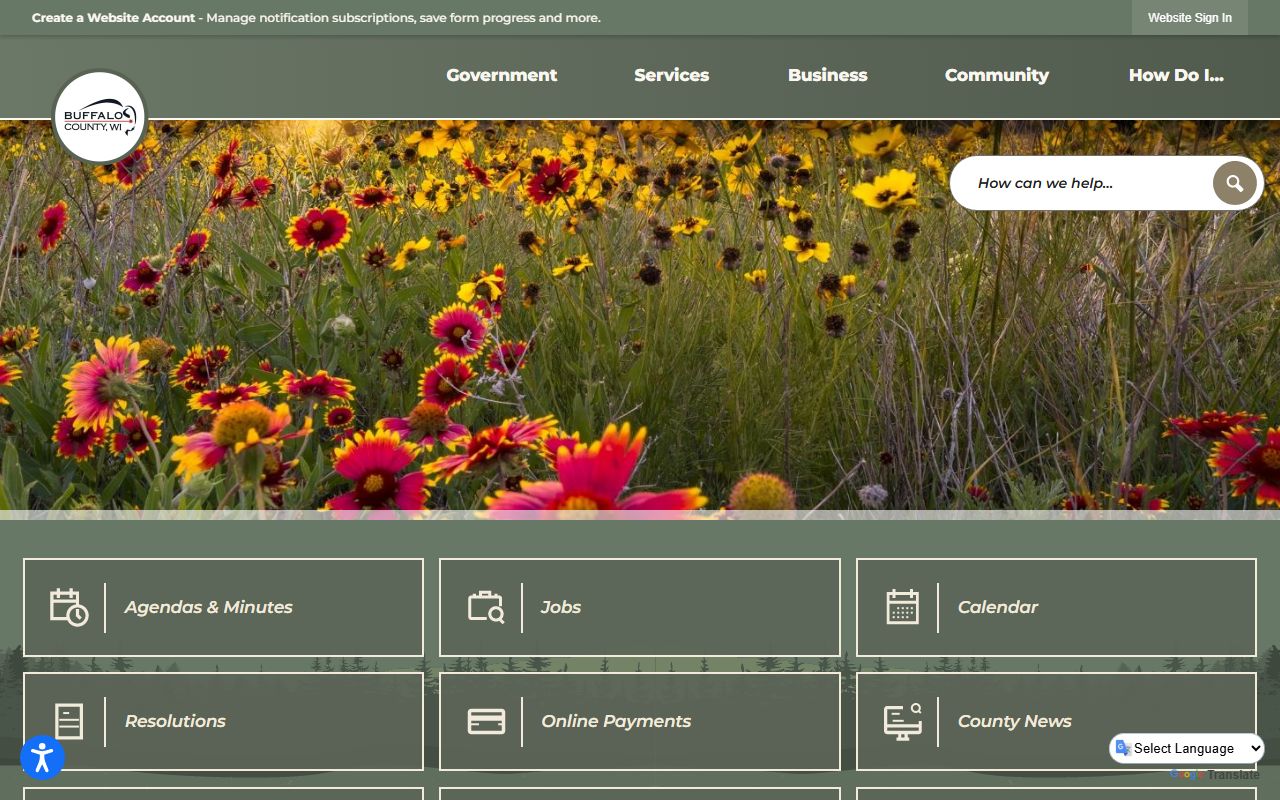
That portal is a good first step because it links the public back to the office that keeps the county's court records.
Search Buffalo County Court Records Online
Wisconsin Circuit Court Access is the main public search tool for Buffalo County court records. It is free, and it lets you search by party name, business name, case number, or attorney name. County filtering narrows the result to Buffalo County, which is useful when you already know where the case was filed. For a lot of searches, that first screen gives enough detail to confirm the case and figure out what the next step should be.
WCCA gives you the public case summary entered by court staff. That means you can see the case type, the parties, and the docket information, but not always the full document set. If you need a signed judgment, a certified copy, or a file that is not shown online, the clerk office is still the source of record. In other words, the search tells you where to look, and the clerk gives you the record itself.
When you search, use the facts that reduce noise:
- Full or partial party name
- Business name, if relevant
- Case number, when known
- Approximate filing year
- County filter set to Buffalo
That approach is efficient and plain. It works well when names repeat or when the file is older. If a Buffalo County case later reaches the appellate courts, the record search moves to WSCCA, which covers the Wisconsin Supreme Court and Court of Appeals. That keeps the search path moving with the case, not against it.
Note: WCCA is the public view of the case, not the complete file. Use the clerk office when you need the certified record or a copy that must be accepted by another agency.
Buffalo County Court Records Copies and Fees
Copy fees follow Wisconsin law. Under Chapter 814, standard copies are generally $1.25 per page and certified copies are $5 per document. That gives Buffalo County users a clear baseline before they call the clerk or go to the courthouse. A plain copy may work for a quick review, but a certified copy is usually the one to ask for when another office needs formal proof.
The Buffalo County office does not need a complex fee maze. The county clerk page and county portal already point users toward the right office and the right process. If you are not sure what to request, the clerk can explain whether your situation calls for a search, a plain copy, or a certified copy. That saves time and keeps the request focused on the correct file.
When the request turns into filing or document handling, the state tools matter too. The Wisconsin Court System forms repository holds the official forms used in circuit court, and Wisconsin eFiling supports registered electronic filing in many circuit court matters. Those tools are not a replacement for the clerk, but they are useful when a search becomes an actual court action.
For wider state context, the Wisconsin Court System home page at wicourts.gov and the clerk directory at wicourts.gov/contact/docs/clerks.pdf are the best official references. The Wisconsin State Law Library at wilawlibrary.gov is also useful for plain explanations of how court records are organized.
Public Access and Court Records
Wisconsin's open records law begins with access. Chapter 19 says records are generally open unless a law or court rule limits them. Buffalo County Court Records follow that model. Most case data is public, but sealed items, redacted details, and records with special legal limits can still be withheld. That is normal. It keeps the public record open without ignoring privacy and legal protections.
The Wisconsin State Law Library has a court records guide at wilawlibrary.gov that explains what WCCA shows and what it does not show. That guide is useful when you want to know whether you are looking at a docket note, a judgment entry, or a document copy. The distinction matters because it tells you whether the search is done or whether you still need the clerk office.
When you need the broader official map, the Wisconsin Court System at wicourts.gov, the clerk directory at wicourts.gov/contact/docs/clerks.pdf, and the public records fact sheet at UW Extension are solid sources. They help explain access, fees, and the open-records rule in plain terms.
For most users, the best workflow is simple. Search WCCA first, contact the Buffalo County Clerk of Circuit Court second, and use the state forms or eFiling tools only if the record turns into a filing or certified-copy task. That keeps the process local, official, and efficient.